Product details
Quick, Everyday Wi-Fi
300Mbps Wireless N Speed
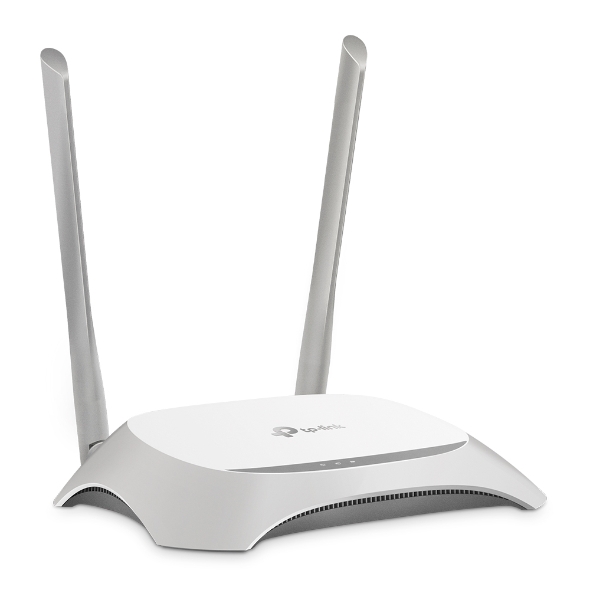
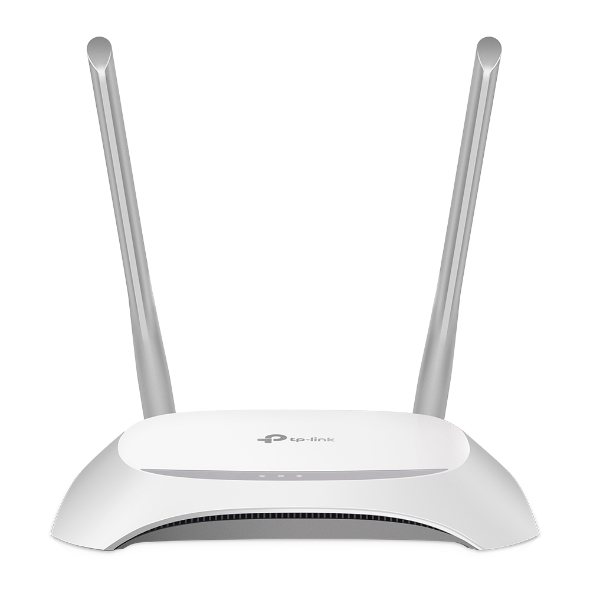
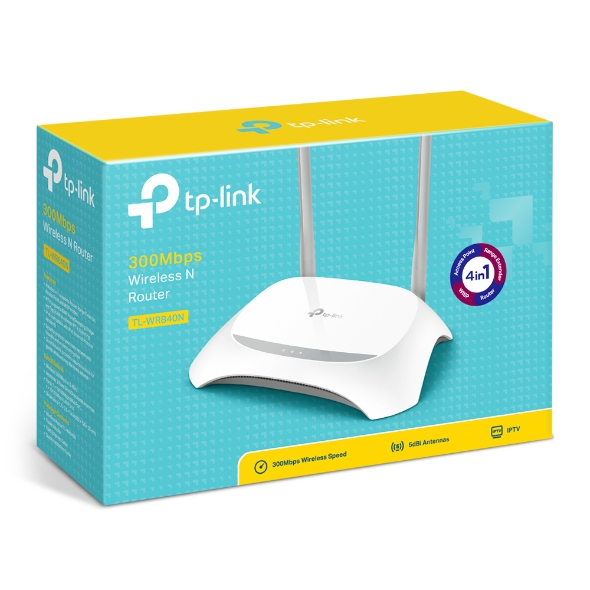
TL-WR840N
300Mbps Wireless N Speed – Fast Download Speed
TL-WR840N is compatible with IEE 802.11b/g/n and provides a high speed solution. Complying with the IEEE802.11n standard, TL-WR840N can deliver a speed up to 300Mbps, meeting your most demanding home networking needs, such as HD streaming, online gaming and large files downloading.
Easy Parental Control
Parental Control allows parents or administrators to deploy restricted access for children or staff. With URL blocking, you can easily set up a black or white list to limit the level of web access.
Guest Network Access
Guest Network function provides secure access for guests to sharing your Wi-Fi network. Easy sharing, no worry about your private network.
Easy Setup and Use
Set up the TL-WR840N in minutes thanks to its intuitive web interface and the powerful Tether app. Tether also lets you manage its network settings from any Android or iOS device, including parental controls and access control.
| Standards and Protocols | Wi-Fi 4 IEEE 802.11n/b/g 2.4 GHz |
|---|---|
| WiFi Speeds | N300 2.4 GHz: 300 Mbps (802.11n) |
| WiFi Range | 2 Bedroom Houses
2× Fixed Antennas |
| WiFi Capacity | Legacy |
| Working Modes | Router Mode Access Point Mode Range Extender Mode WISP Mode |
| Network Security | SPI Firewall Access Control IP & MAC Binding Application Layer Gateway |
|---|---|
| Guest Network | 1× 2.4 GHz Guest Network |
| WiFi Encryption | WEP WPA WPA2 WPA/WPA2-Enterprise (802.1x) |
| Processor | Single-Core CPU |
|---|---|
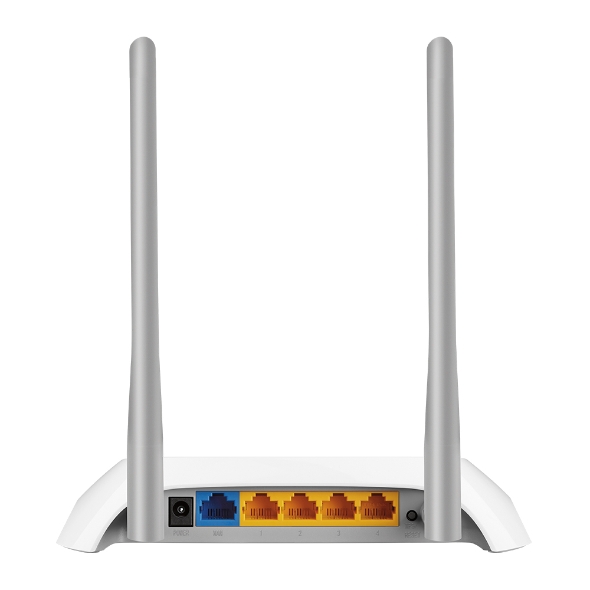
| Ethernet Ports | 1× 10/100 Mbps WAN Port 4× 10/100 Mbps LAN Ports |
| Buttons | Reset Button |
| Power | 9 V ⎓ 0.6 A |
| Protocols | IPv4 IPv6 |
|---|---|
| Parental Controls | URL Filtering Time Controls |
| WAN Types | Dynamic IP Static IP PPPoE PPTP L2TP |
| Quality of Service | QoS by Device |
| NAT Forwarding | Port Forwarding Port Triggering DMZ UPnP |
| IPTV | IGMP Proxy IGMP Snooping |
| DHCP | Address Reservation DHCP Client List Server |
| DDNS | NO-IP Comex DynDNS |
| Management Features | Tether App Webpage Check Web Emulator> |
| Network Services Enabled by Default | Web Server Manage and configure device through web (HTTP/HTTPS) • Port: 80/443 Protocol: TCP DHCP Server App management |
|---|---|
| System Requirements | Internet Explorer 11+, Firefox 12.0+, Chrome 20.0+, Safari 4.0+, or other JavaScript-enabled browser
Cable or DSL Modem (if needed) Subscription with an internet service provider (for internet access) |
| Certifications | FCC, CE, RoHS |
| Environment | Operating Temperature: 0℃~40℃ (32℉ ~104℉) Storage Temperature: -40℃~70℃ (-40℉ ~158℉) Operating Humidity: 10%~90% non-condensing Storage Humidity: 5%~90% non-condensing |
| WiFi Transmission Power | CE: <20dBm(2.4GHz) FCC: <30dBm |
|---|---|
| WiFi Reception Sensitivity | 270M: -68dBm@10% PER 130M: -68dBm@10% PER 108M: -68dBm@10% PER 54M: -68dBm@10% PER 11M: -85dBm@8% PER 6M: -88dBm@10% PER 1M: -90dBm@8% PER |
| Dimensions (W×D×H) | 7.2 × 5.0 × 1.4 in (182 × 128 × 35 mm) |
|---|---|
| Package Content | Wi-Fi Router TL-WR840N Power Adapter RJ45 Ethernet Cable Quick Installation Guide |